Skip to Content

PLOC AI by JH Systems

Build agents around the way work actually happens.

Turn a process into a working flow. Bring AI, your knowledge, and connected tools into one place to design, run, and refine what happens next.

Inside the workspaceFrom idea to working flow
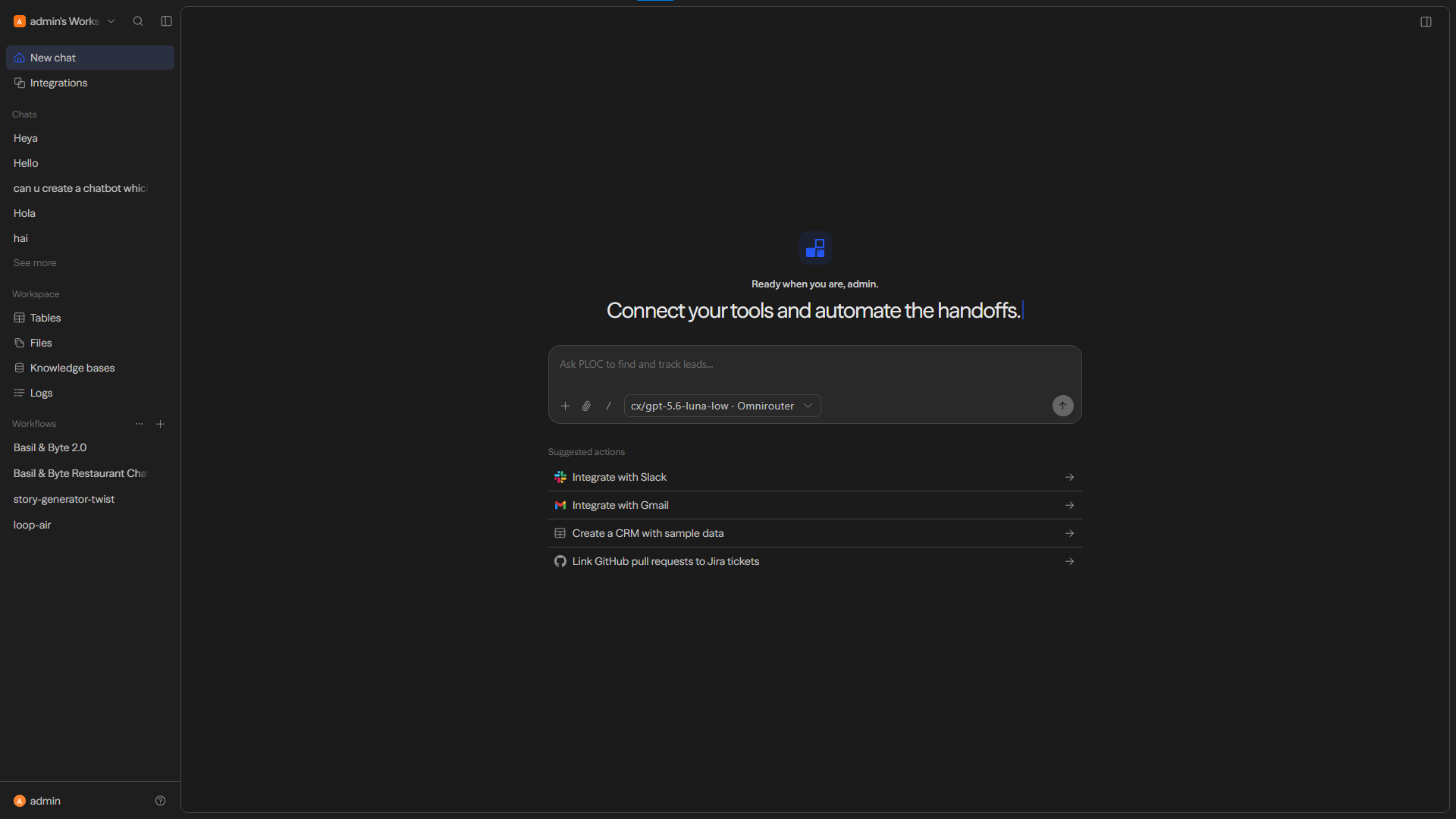
PLOC AI workspace with chat, integrations, and suggested actions
One workspace to build, connect, and follow the work.

What PLOC brings together

The agent is only one part. The workflow makes it useful.

01 / Design

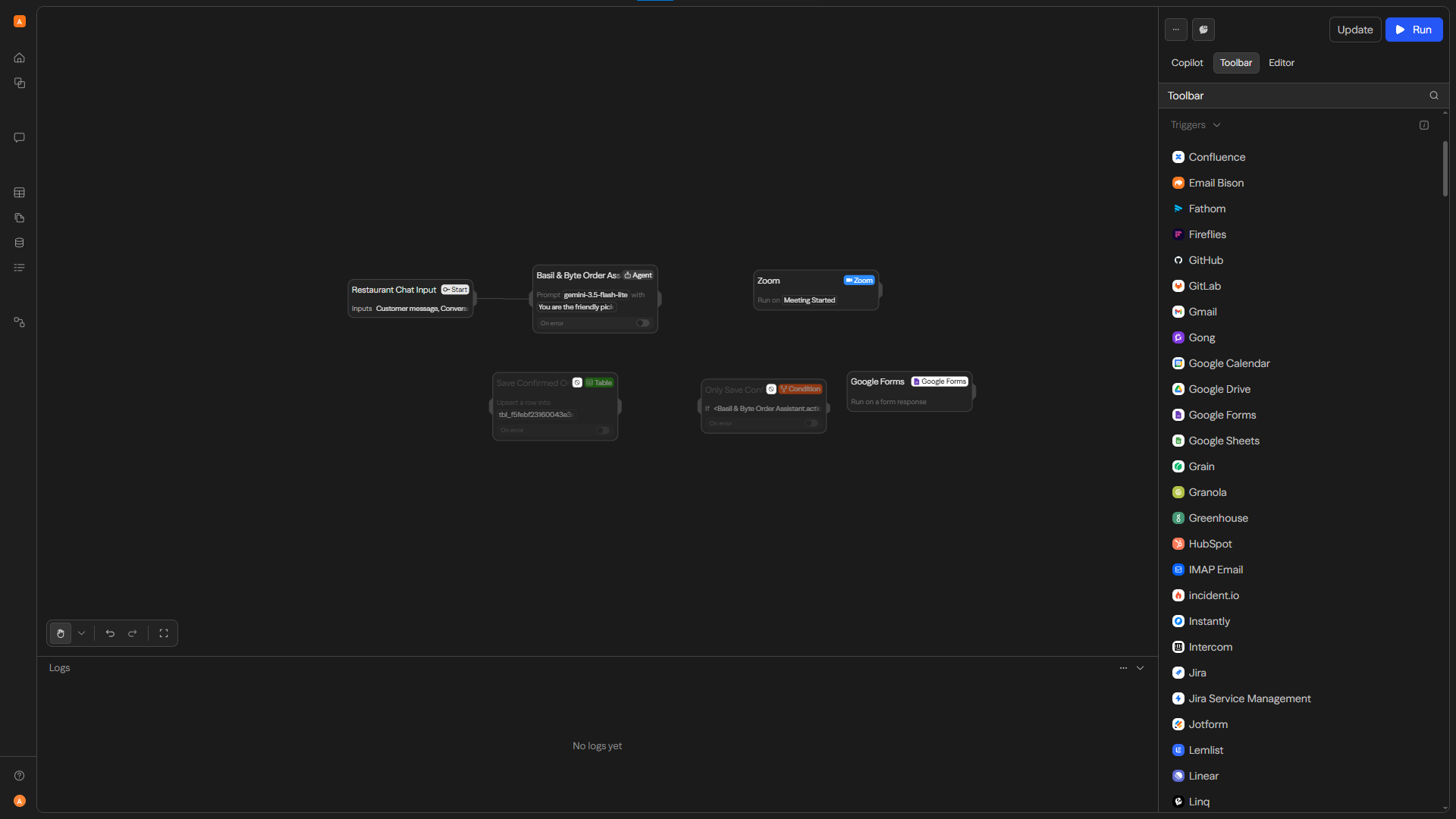
Start in conversation. Refine on the canvas.

Describe what you want to automate, then see and adjust the steps visually. Shape the logic, agent behavior, and handoffs before the flow becomes part of daily work.

  • Conversational building
  • Visual workflow editor
  • Agent and action blocks
PLOC AI visual builder showing connected workflow nodes
02 / Connect

Bring your tools into the flow.

Connect compatible services, choose the model and tools an agent can use, and start a workflow from an event, a schedule, or an application request.

Integrations · triggers · APIs · model choice

03 / Context

Give the agent something real to work with.

Organize files, searchable knowledge, and structured tables in the workspace so a flow can use the information that matters to your process.

Files · knowledge bases · tables

04 / Operate

See what ran. Improve what happens next.

Test a flow, follow its runs and logs, then refine it as the work changes. Deployment options can make an approved workflow available through chat or an API.

Runs · logs · deployment

Available integrations, models, and deployment options depend on the selected PLOC configuration and connected services.

One way to begin

Take one repeated handoff. Give it a clearer path.

New enquiryAgent reviews contextConnected actionTeam follow-up

PLOC AI × JH Systems

Start with the work you want done.

Discuss your workflow