Record the transaction at the counter.

Business management systems
CLYRO POS: point of sale for Bahrain businesses
CLYRO POS - Powered by JH Systems W.L.L. - helps businesses connect sales activity with the operational workflow behind it.
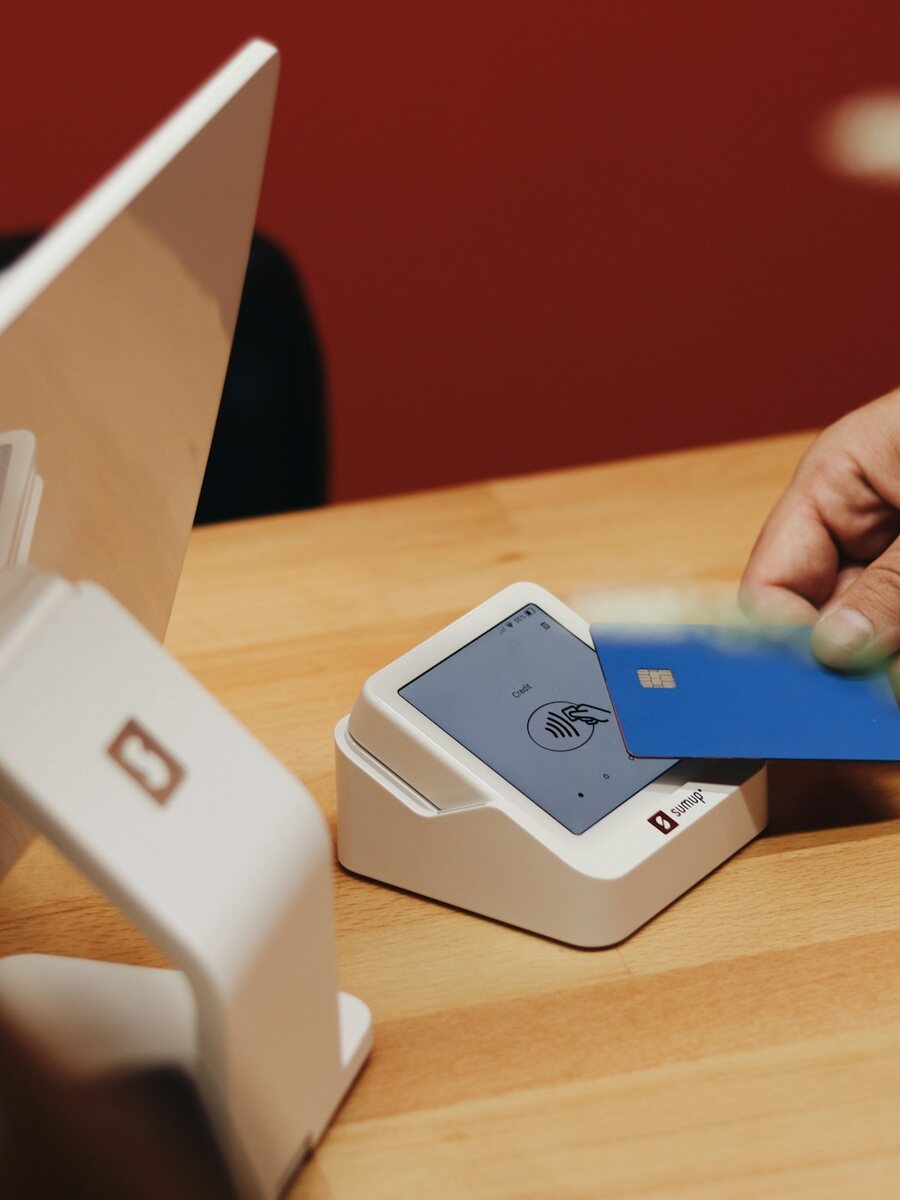
Follow the sale beyond checkout
Reflect the item movement in the agreed process.
Support the next replenishment decision.
Give managers a clearer view of activity.
Designed around the way the business sells
Barcode, receipt, terminal, hardware, offline, and multi-terminal requirements are assessed against the available setup before deployment.
- Counter workflow review
- Inventory and purchasing connection
- Reporting requirements
- Training and handover
Show us a normal day at your counter
CLYRO POS is point-of-sale software for businesses in Bahrain that want to review checkout alongside stock and reporting. A POS system needs to fit the way staff serve customers, whether at a retail till, a café or a service counter. The demonstration should follow a realistic sale and the work that comes after it.
Illustrative workflow · not a customer case study
Prepare the transaction
Review how staff find products, enter quantities and handle the pricing or customer details needed for the sale.
Complete the counter handoff
Walk through the required payment and receipt process with the proposed devices. Check the exceptions your staff actually face, such as corrections or returns.
Follow the operational record
Review how the agreed setup handles item movement, replenishment information and management reporting after checkout.
Check the setup before choosing hardware
Bring a sample product list, receipt and end-of-day report. JH Systems can review the counter workflow, inventory connection and staff training requirements against the available CLYRO POS configuration.
- How many tills, users and locations are involved?
- Which barcode scanners, printers and terminals do you use?
- What must happen if the connection is interrupted?
- Which stock and finance information must move beyond the counter?
Before choosing a POS system
What is the difference between POS software and a card payment terminal?
POS software records and manages the sale; a payment terminal handles the card payment through a payment provider. Whether the two can be connected depends on the provider, terminal and available integration.
How much does a POS system in Bahrain cost?
The price depends on the number of counters and users, required software, hardware, integrations, setup and ongoing support. Share your requirements and we can scope a proposal; payment-provider charges are assessed separately.
Will it work with our existing POS hardware?
Compatibility depends on the exact device models, drivers and intended workflow. Share the hardware details so the proposed configuration can be checked and demonstrated before deployment.
Does every setup support offline or multi-location operation?
These requirements need a specific review. Offline behaviour, synchronisation, multi-terminal and multi-location options should be confirmed for the proposed setup rather than assumed.
Can we see our own sales workflow in a demo?
Request a demonstration using representative products and scenarios. We can agree what to review, including checkout, receipts, stock handoffs and the reports your team needs.
See where a POS workflow can connect
Discuss your current checkout, stock, and reporting process.